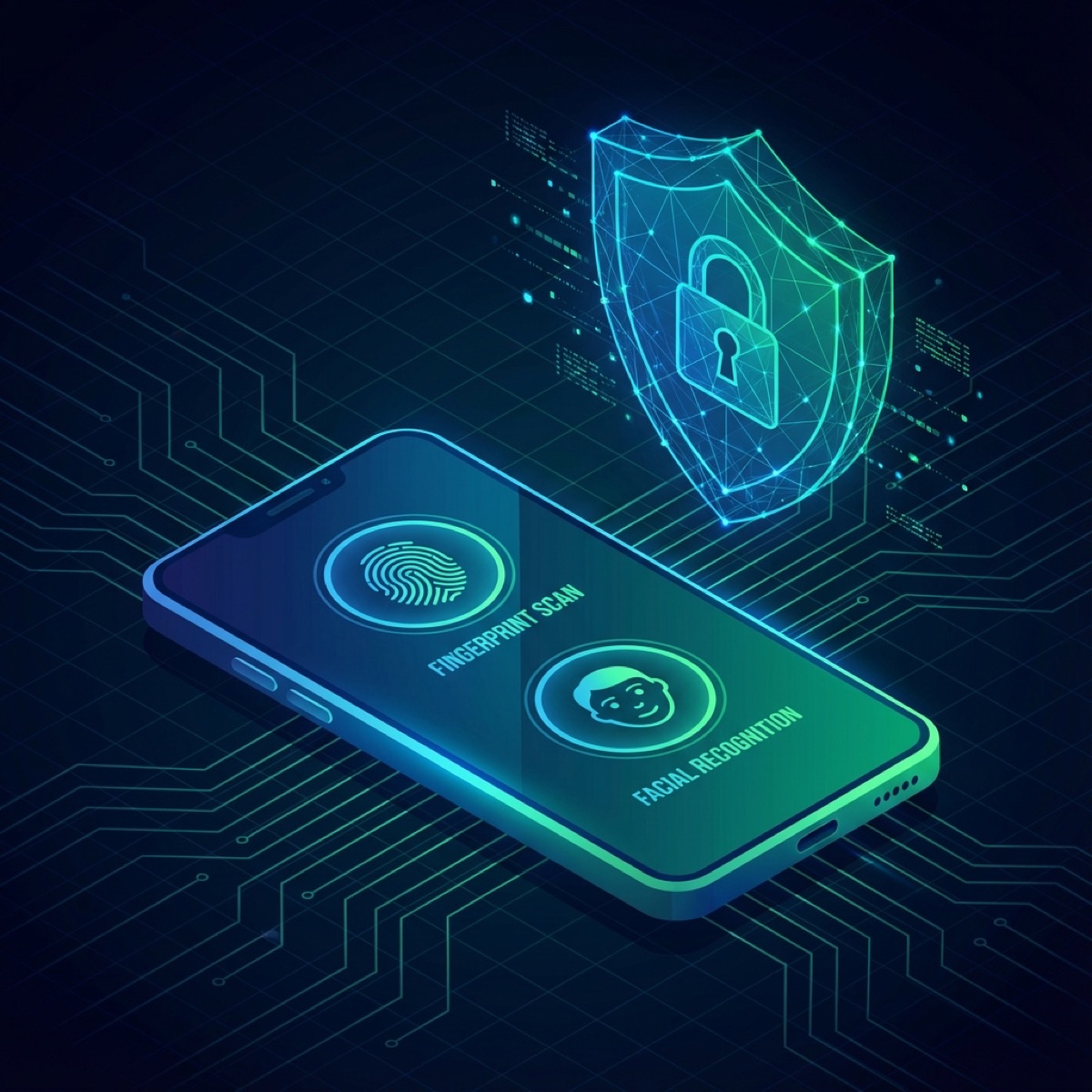
In the early days of Android, implementing fingerprint authentication was a fragmented nightmare. We had the FingerprintManager, but it was deprecated, inconsistent across manufacturers, and didn't support face unlock or iris scanning.
Fast forward to 2025, and the androidx.biometric library has standardized everything into a unified, secure API. But simply showing a biometric prompt isn't enough. To truly secure sensitive data—like banking information or personal notes—you need to leverage the power of the Android Keystore system in conjunction with biometrics.
In this post, we'll explore how to implement robust biometric authentication that doesn't just check who the user is, but cryptographically guarantees it.
The BiometricPrompt API
The core of modern Android biometrics is the BiometricPrompt. It handles the UI consistency across devices and supports various modalities (fingerprint, face, iris).
Here is the basic setup:
val executor = ContextCompat.getMainExecutor(this)
val biometricPrompt = BiometricPrompt(this, executor,
    object : BiometricPrompt.AuthenticationCallback() {
        override fun onAuthenticationSucceeded(result: BiometricPrompt.AuthenticationResult) {
            super.onAuthenticationSucceeded(result)
            // Authentication successful!
            unlockSecretData(result.cryptoObject)
        }

        override fun onAuthenticationError(errorCode: Int, errString: CharSequence) {
            super.onAuthenticationError(errorCode, errString)
            // Handle error (e.g., user canceled, too many attempts)
        }
    })

val promptInfo = BiometricPrompt.PromptInfo.Builder()
    .setTitle("Unlock Secure Vault")
    .setSubtitle("Log in using your biometric credential")
    .setNegativeButtonText("Use Account Password")
    .build()
The Critical Piece: CryptoObject
If you only use the code above, you are trusting the OS to say "Yes, this is the user." But a compromised device (or a rooted one with a hooked framework) could potentially bypass this check.
To prevent this, we use a CryptoObject. The idea is simple:
- Generate a cryptographic key in the Android Keystore.
- Configure this key so it requires user authentication to be used.
- Pass a
Cipherinitialized with this key to theBiometricPrompt. - The Keystore will only unlock the key if the biometric hardware confirms the user's identity.
1. Generating the Key
val keyGenerator = KeyGenerator.getInstance(
    KeyProperties.KEY_ALGORITHM_AES,
    "AndroidKeyStore"
)

val keyGenParameterSpec = KeyGenParameterSpec.Builder(
    "my_secret_key",
    KeyProperties.PURPOSE_ENCRYPT or KeyProperties.PURPOSE_DECRYPT
)
.setBlockModes(KeyProperties.BLOCK_MODE_CBC)
.setEncryptionPaddings(KeyProperties.ENCRYPTION_PADDING_PKCS7)
.setUserAuthenticationRequired(true) // <--- The magic line
.setUserAuthenticationParameters(0, KeyProperties.AUTH_BIOMETRIC_STRONG)
.build()

keyGenerator.init(keyGenParameterSpec)
keyGenerator.generateKey()
2. Authenticating with the Cipher
val cipher = Cipher.getInstance("AES/CBC/PKCS7Padding")
val secretKey = keyStore.getKey("my_secret_key", null) as SecretKey
cipher.init(Cipher.ENCRYPT_MODE, secretKey)

val cryptoObject = BiometricPrompt.CryptoObject(cipher)
biometricPrompt.authenticate(promptInfo, cryptoObject)
Now, inside onAuthenticationSucceeded, you can use result.cryptoObject?.cipher to actually encrypt or decrypt data. If the biometric check was bypassed, the cipher wouldn't be unlocked, and you wouldn't be able to access the data.
Strong vs. Weak Biometrics
Not all biometrics are created equal. Android classifies them into Class 3 (Strong) and Class 2 (Weak).
- Strong: Fingerprint, 3D Face Unlock. Suitable for payments and unlocking cryptographic keys.
- Weak: 2D Face Unlock (camera-based). Convenience only.
When configuring your key, using .setUserAuthenticationParameters(0, KeyProperties.AUTH_BIOMETRIC_STRONG) ensures that only secure hardware can unlock your key.
Conclusion
Biometric authentication is a powerful tool for UX and security, but it must be implemented correctly. By binding your authentication flow to a hardware-backed key in the Keystore, you ensure that your app's security is tied to the physical user, not just a boolean flag in your code.