
Certificate pinning is a security technique used to prevent attackers from intercepting and manipulating communication between two resources.
When an app communicates with a server over HTTPS, it verifies the server's SSL/TLS certificate against a list of trusted certificate authorities (CAs). However, this traditional approach is vulnerable to attacks where adversaries can impersonate legitimate servers by presenting fraudulent certificates signed by rogue CAs (man-in-the-middle attacks).
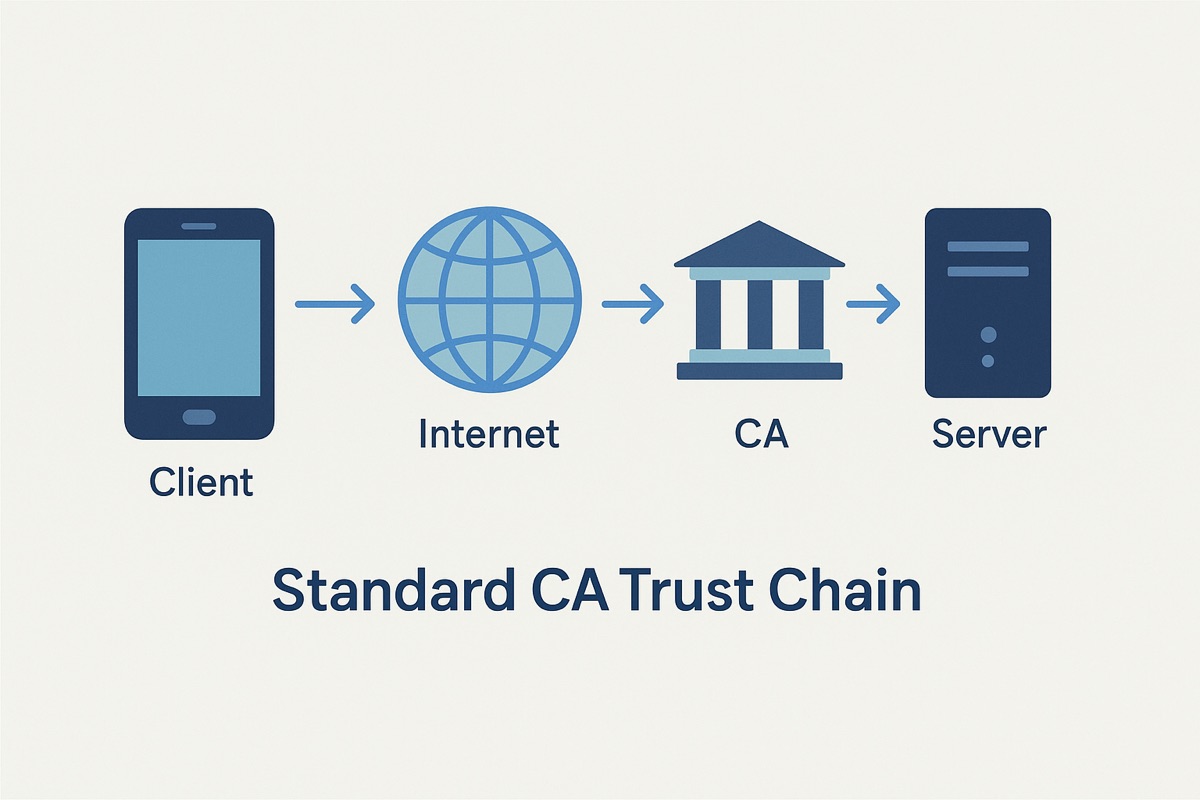
Certificate pinning mitigates this risk by associating a specific SSL/TLS certificate or public key with a particular domain:
- Instead of trusting any certificate signed by a CA, the app "pins" the certificate or public key it expects to receive from the server.
- If the server presents a different certificate during the SSL/TLS handshake, the connection is terminated, thus thwarting potential security threats.
Types of Attacks Prevented
Certificate pinning helps mitigate several security threats, including:
- Man-in-the-Middle (MITM) Attacks: By intercepting network traffic, attackers can impersonate the server and present a fake certificate to the client. Certificate pinning prevents this by ensuring that the client only accepts the expected certificate.

-
SSL Stripping Attacks: In SSL stripping attacks, adversaries downgrade HTTPS connections to HTTP, allowing them to intercept and modify sensitive data. Certificate pinning protects against this by enforcing HTTPS connections and rejecting unencrypted traffic.
-
Rogue Certificate Authorities (CAs): If a CA is compromised or maliciously issues certificates, certificate pinning ensures that the app only trusts the specific certificate or public key configured by the developer, regardless of the CA's trust status.
Swift Example
Let's look at an example using Alamofire, a true blast from the past!
import Alamofire
import Security

class NetworkManager {

    static let sharedInstance = NetworkManager()

    private let pinnedCertificates: [SecCertificate] = [
        // Add your pinned certificates here
        loadCertificate(filename: "example_cert")
    ]

    private static func loadCertificate(filename: String) -> SecCertificate {
        let filePath = Bundle.main.path(forResource: filename, ofType: "der")!
        let fileData = try! Data(contentsOf: URL(fileURLWithPath: filePath))
        let certificate = SecCertificateCreateWithData(nil, fileData as CFData)!
        return certificate
    }

    private func evaluateServerTrust(trust: SecTrust) -> Bool {
        let policy = SecPolicyCreateSSL(true, nil)
        SecTrustSetPolicies(trust, policy)

        SecTrustSetAnchorCertificates(trust, pinnedCertificates as CFArray)
        SecTrustSetAnchorCertificatesOnly(trust, true)

        var result: SecTrustResultType = .invalid
        SecTrustEvaluate(trust, &result)

        return result == .unspecified || result == .proceed
    }

    func makeRequest(url: URL) {
        Alamofire.request(url).validate { request, response, data in
            guard let serverTrust = response.serverTrust else { return .failure(AFError.serverTrustEvaluationFailed(reason: .noCertificatesFound)) }
            let isServerTrusted = self.evaluateServerTrust(trust: serverTrust)
            return .success(())
        }.response { response in
            // Handle response
        }
    }
}
How It Works
- The
pinnedCertificatesarray contains the pinned certificates loaded from the app's resources. - The
evaluateServerTrustfunction compares the server's certificate with the pinned certificates, andmakeRequestuses Alamofire to make a request and validates the server's trust based on certificate pinning. - If you do pin certificates, make sure to update them when the server's certificate changes.
Final Thoughts
Take your users' security seriously and implement certificate pinning. It's easy to do, and it's a no-brainer, especially if you are handling sensitive data.